
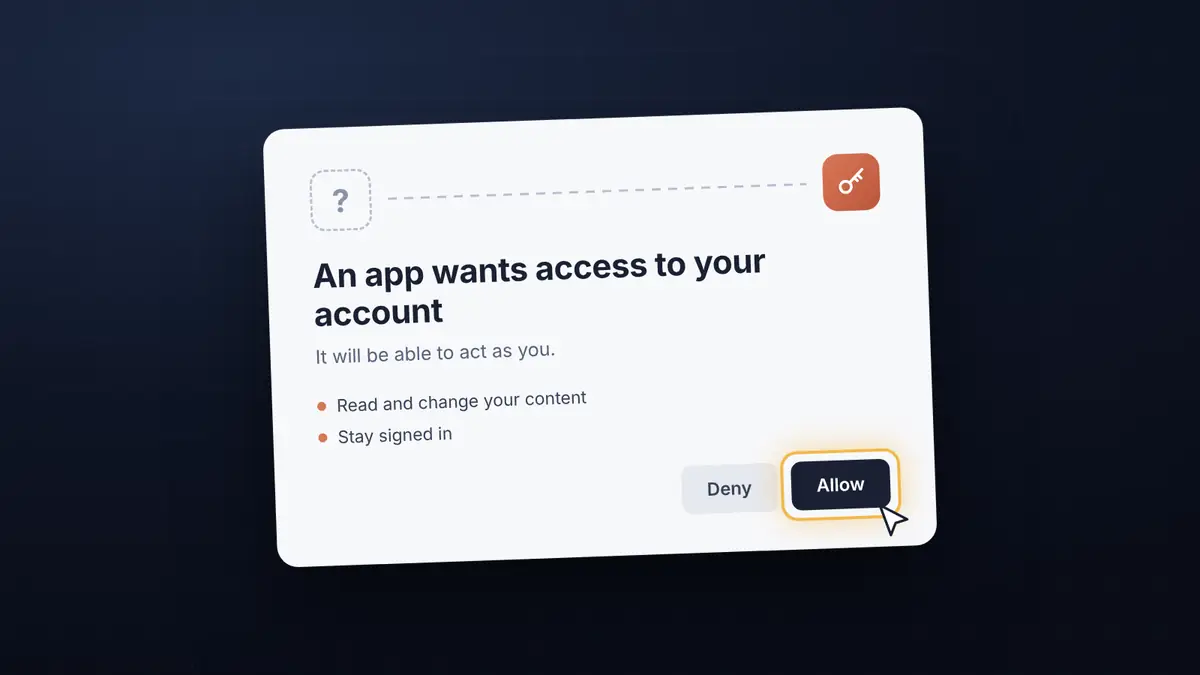
Connecting AI to your business tools? Look closely before you click Allow
AI assistants can now act inside the tools you use every day. Here's what to check before you approve a connection, and how we approached it in Stitchable.
AI assistants have moved quickly from answering questions to doing things: reading a calendar, updating a spreadsheet, editing a website. Most of those connections now run on the Model Context Protocol (MCP), the open standard that lets an assistant like Claude work with other software.
Connecting is usually painless: add the tool, sign in, click Allow. That last click deserves more attention than it gets.
Why the Allow button matters
When you approve a connection, you give an app a key to act as you inside that service. Researchers at Obsidian Security showed how weakly built connections can turn that single click into an account takeover: approve the wrong request and someone else ends up holding the key.
The people behind MCP have been tightening this. The July 2026 specification hardened how signing in works, and formally deprecated dynamic client registration, the feature that lets any app register itself with a service on the fly, in favour of a stricter alternative.
In September, the maintainers of the official Python toolkit for MCP fixed a flaw that could let a malicious server trick an app into handing over its login credentials. No attacks were reported, but it shows how much of the risk sits in plumbing you never see.
Three questions before you click Allow
- Did you start this? Only approve a connection you just set up yourself. An email asking you to "reconnect" an assistant deserves suspicion.
- Who is asking? Read the app's name and the address on the approval screen. If it isn't the assistant you meant to connect, stop.
- Can you see and undo what it does? Prefer tools that show what an assistant changed and let you take it back.
What we did with Stitchable
This week we connected Stitchable to Claude, so you can ask Claude to add a section to your site or draft a blog post.
We made one deliberate choice along the way: Stitchable doesn't let apps register themselves. Only the Claude connection we set up is accepted, so a convincing-looking app in a phishing email can't get access to your site, even if someone clicks Allow.
Everything Claude changes is saved as a draft, recorded in your site's history with a short note, and can be undone. It only publishes when you ask.
That's the bar we'd suggest for any AI connection to your business: you started it, you can see what it did, and you can take it back.
This post was drafted by Claude through Stitchable's new connection, and saved as a draft for us to review.